
How to preload GTA 6 on Xbox Series X|S
Xbox players can preload GTA 6 from November 10, 2026. Pre-order the digital version from the Microsoft Store and your Xbox downloads it ahead of launch on November 19.
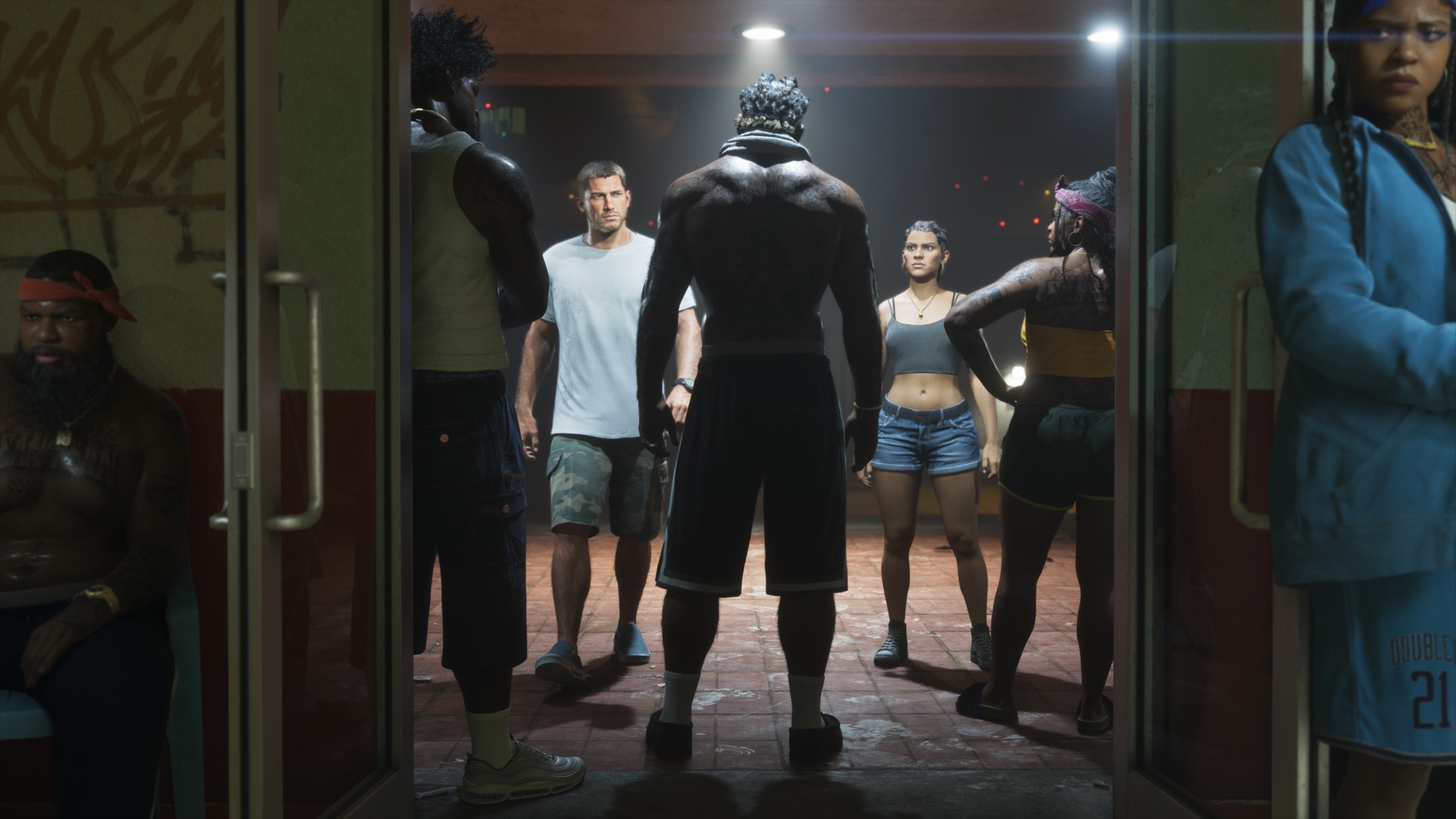
Step 1: pre-order from the Microsoft Store
On your Xbox, open the Store, search for Grand Theft Auto VI and pre-order the edition you want. You can also do this from the Xbox app on your phone. Only digital pre-orders can be preloaded.
Step 2: keep updates and downloads on
Go to Settings > General > Power options and choose Sleep (called Standby on older dashboards) so the console can download while it is off. Under Settings > System > Updates, make sure Keep my games & apps up to date is on.
Step 3: install it from Ready to install
From November 10, open My games & apps > Full library or the Ready to install section, select GTA 6 and choose Install. You can also start the install remotely from the Xbox app on your phone if you are not home.
Series S owners: check your space
The standard Xbox Series S has 512 GB, of which only about 364 GB is usable. A game the size of GTA 6 can take a large part of that. Read GTA 6 on Xbox Series S and our storage guide before November 10.
How to check it worked
When the install finishes, GTA 6 shows in your library but cannot be started until release. It unlocks on its own on November 19. Leave the console in sleep mode so any day one update downloads in time.
Questions
When does GTA 6 preload start on Xbox?
November 10, 2026.
Can I preload GTA 6 from my phone?
Yes. Use the Xbox app to start the install remotely once preloading opens.
Is GTA 6 on Xbox One?
No. Only Xbox Series X and Series S.
Last checked November 4, 2026. We update this page the moment Rockstar confirms anything new.